Creating a profile
First create a new profile in an ARIS group in the Explorer tree and give it the name of your choice.
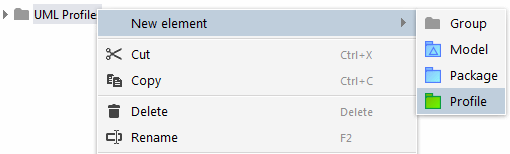
Then create a Profile diagram in the profile.

It is important that you first create the profile and then the Profile diagram in the profile, and not vice versa. If you create new elements in a diagram, they are created in the element in which the diagram is contained. The fact that the profile diagram is contained in the profile ensures that all stereotypes, Extension relationships, and enumerations that you create in the diagram as part of profile modeling are actually contained in the profile and not in another package.
Next drag the profile from the Explorer tree into the diagram.
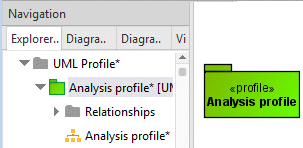
Finally, you have to drag the UML metamodel created by the metamodel generator into the Profile diagram and create a relationship of the Metamodel reference type from the profile to the metamodel.
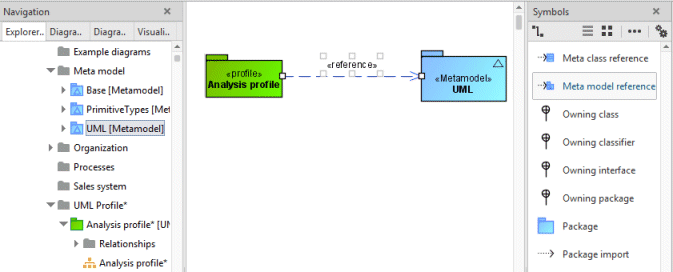
You have thus indicated that the profile fully supports UML. Creating a filter profile outlines how to define profiles that support only a subset of UML.
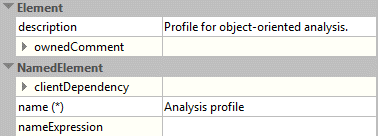
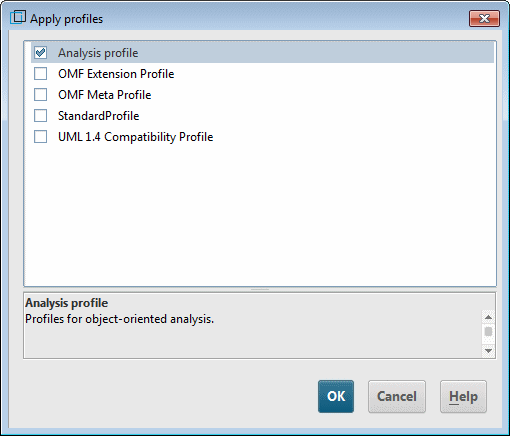
If you enter a description in the properties of the profile, it is displayed later when assigning the profile to a package in the profile selection dialog.