The UML metamodel generator
Profile modeling in ARIS UML Designer is carried out in line with the UML specification, that is, both the metamodel and its metaclasses are represented graphically in the Profile diagram and related to the elements from the profile using edges.
In order to create a profile yourself, you first require the UML metamodel with its metaclasses. You can create the UML metamodel in the database using the metamodel generator.
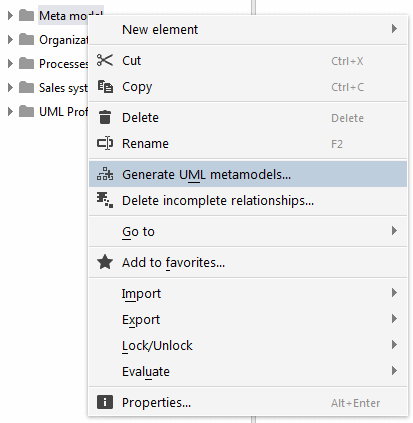
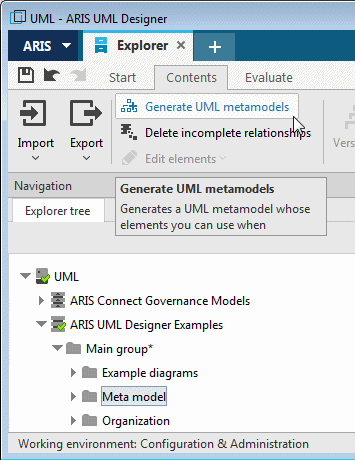
You can launch the metamodel generator in the pop-up menu for an ARIS group by clicking Generate UML metamodels. Alternatively, you can click the button of the same name in the Content tab bar.
The dialog for generating the UML metamodel enables you to specify the language in which the metamodel is generated in the database.
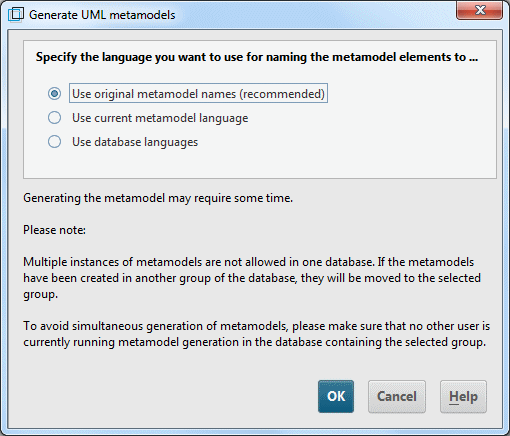
The following options are available:
Use original metamodel names (recommended)
In this case, the original names from the UML metamodel are used. This is recommended because the UML specification only exists in English. While some metaclasses are relatively easy to identify if their names are in other languages, with other metaclasses it is much more difficult.
With this option, the names are created only in the default language in the database, which means that you will always see the original metamodel names regardless of the database language you select at login.
Use current metamodel language
This option creates the names in the language you have selected as the metamodel language in the general options (see Designer > General ). Once again, the names are created only in the default language in the database. For example, if you have selected German as the metamodel language and English as the default language in the database, the German metamodel names are saved in the database language English .
Use database languages
Generation is carried out for each database language in the corresponding language, that is, if you are logged in with the database language German , the metamodel names are displayed in German, and if you are logged in in English, the original names are displayed.
The metamodel generator generates three metamodels and the UML standard profile in the database.
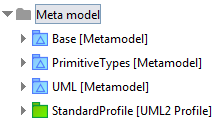
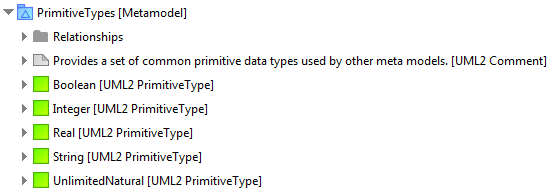
The PrimitiveTypes metamodel defines the primitive data types used by the UML metamodel. It is also part of the official UML standard from the OMG.
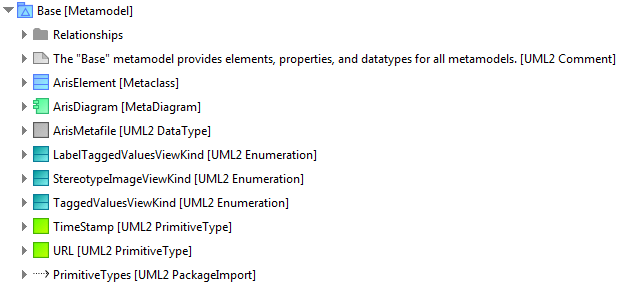
The Base metamodel is an ARIS-specific extension, which supplements the UML elements and diagrams with some ARIS-specific properties (see also Root). Furthermore, it defines data types that are not provided by the PrimitiveTypes metamodel but are supported by ARIS UML Designer.
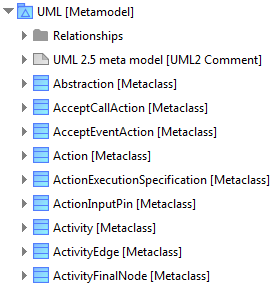
The UML metamodel contains all UML metaclasses, associations, and properties and – as an ARIS-specific extension – the corresponding symbol and diagram types that are also relevant for modeling of profiles.
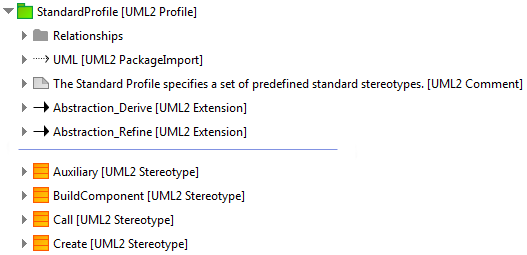
The profile StandardProfile includes all stereotypes that are already defined by the UML specification. It is generated together with the metamodels in order for you to be able to import the profile or the stereotypes it contains into your own user-defined profiles.
Note that you can only use metamodels generated in this way for profile modeling. ARIS UML Designer identifies the relevant meta elements based on their GUID and not using their name, which can differ considerably depending on the generator settings.
The fact that each meta element is created with a specific GUID and a GUID in an ARIS database can only be used by one element results in certain consequences for generation.
Each generated meta element can only exist once in a database. Therefore, the metamodel generator always searches the database for an existing element with the corresponding GUID first, before it creates a new one. If it finds one, this element is used.
This means that if a generated metamodel already exists in a different group in the database, it is moved into the group in which the generator has been started.
If you move a meta element from the metamodel to another UML package, rename it, or edit it in some other way – which is explicitly not recommended – this meta element is restored to its original state the next time the metamodel generator is run.