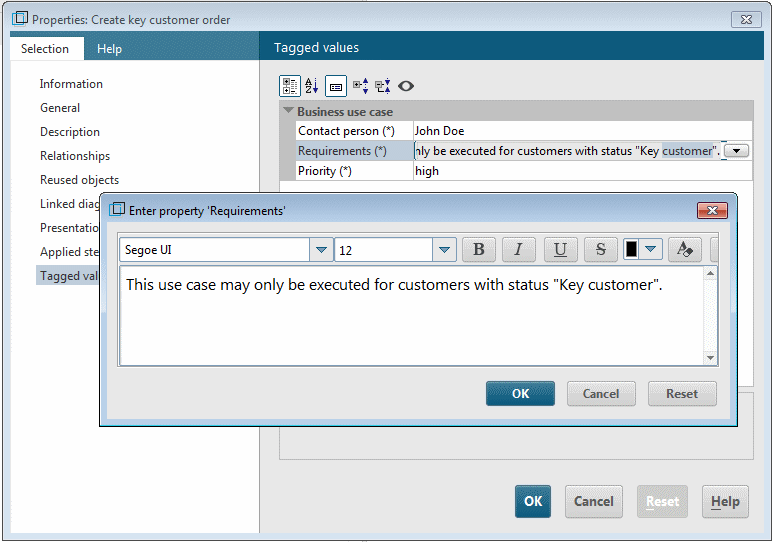
ARIS-specific features of user-defined properties
If you want to specify the values of a user-defined property in multiple languages, that is, depending on the database language selected at login, you must define this in the corresponding stereotype attribute. Stereotype attributes are of the UML type Property. As the UML specification does not recognize multilingual elements, there is no property for the UML type Property that you can use to specify whether or not the UML property defines a multilingual property.
ARIS-specific properties such as multiple languages are provided for definition of profiles by the OMF Extension Profile. This is a predefined profile in ARIS UML Designer, which you can use directly in exactly the same way as the standard profile.
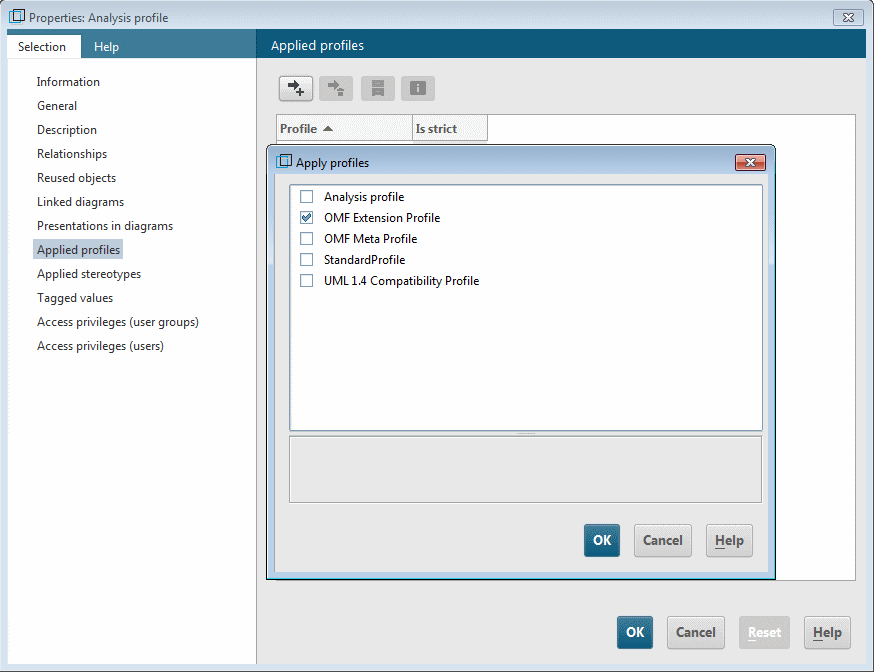
In order to be able to define multilingual properties in your profile, you must first apply the OMF Extension Profile on your profile.
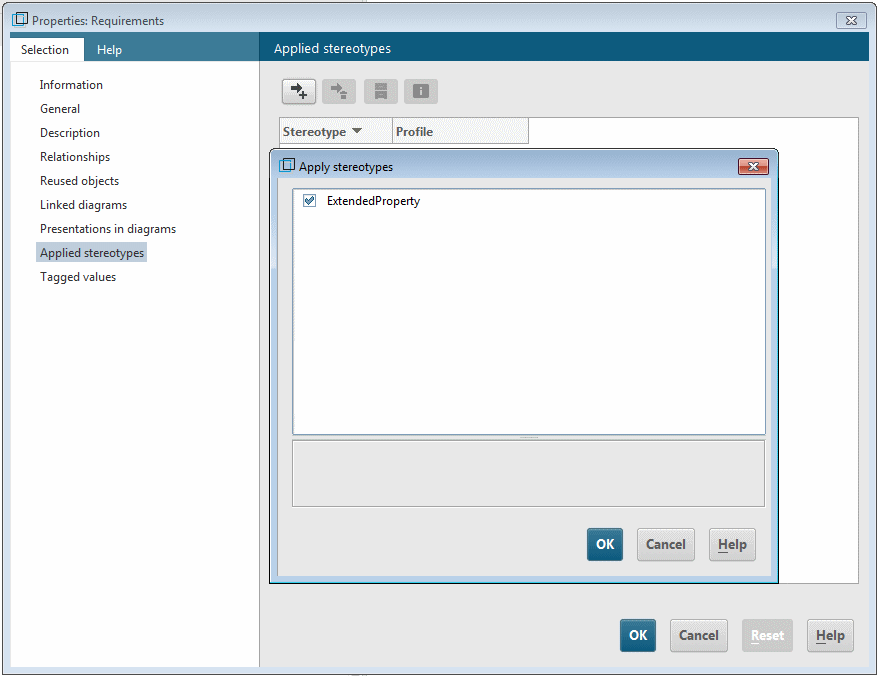
Then open the Properties dialog for the stereotype attribute whose values you want to specify in multiple languages, and assign it the ExtendedProperty stereotype.
The two ARIS-specific properties isLanguageDependent and isStyledDocument are then available on the Tagged values properties page for the stereotype attribute.
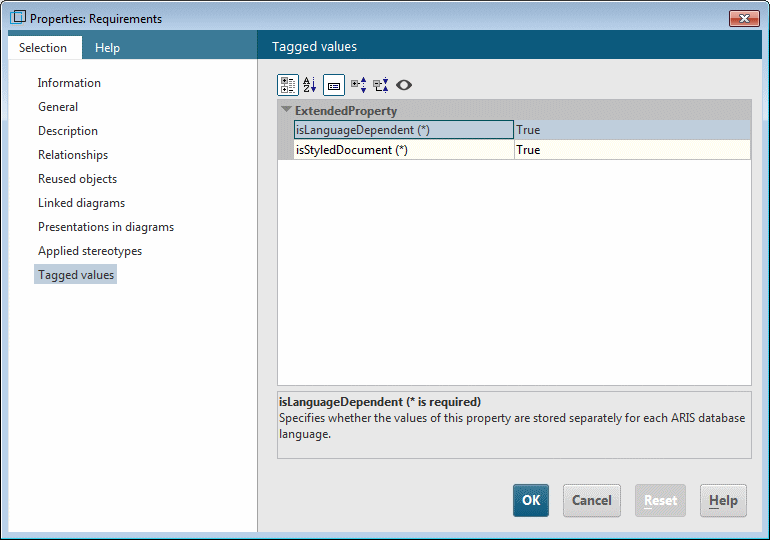
You can use isLanguageDependent to specify whether property values based on this stereotype attribute are saved according to the relevant database language. You can use isStyledDocument to specify whether text formatting is available when editing these tagged values.