Reusing an ARIS object in a UML diagram
In the ARIS model, first select the ARIS object you want to reuse as a UML element. Copy it to the clipboard by clicking Copy in the pop-up menu.
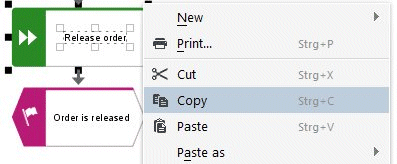
Alternatively, you can also select and copy the ARIS object in the Explorer tree in ARIS Architect, ARIS Designer, or ARIS UML Designer.
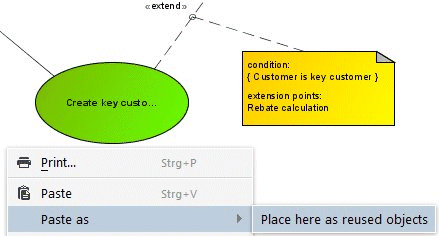
In ARIS UML Designer, open the pop-up menu by right-clicking the diagram background and then click either Paste or Paste as > Place here as reused objects.
The Reuse objects dialog opens for selecting the underlying object link definition.
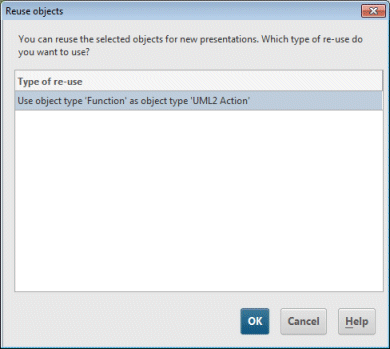
If there are several symbols that can be used for presentations of elements of the UML type in the diagram, you are asked which of the symbols is to be used.
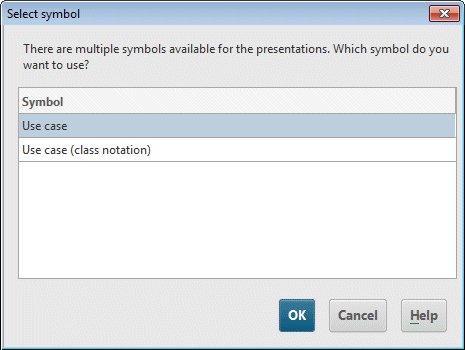
This creates a new use case in the diagram.
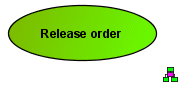
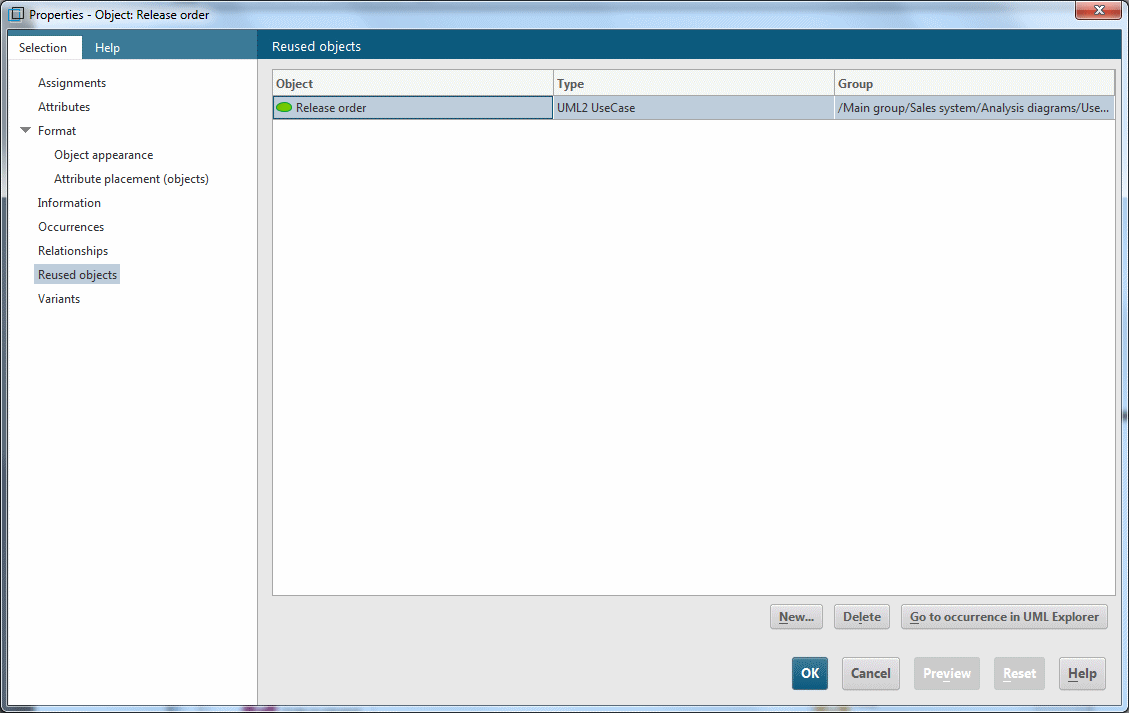
The use case has the same name as the underlying function and displays it on its Reused objects properties page.
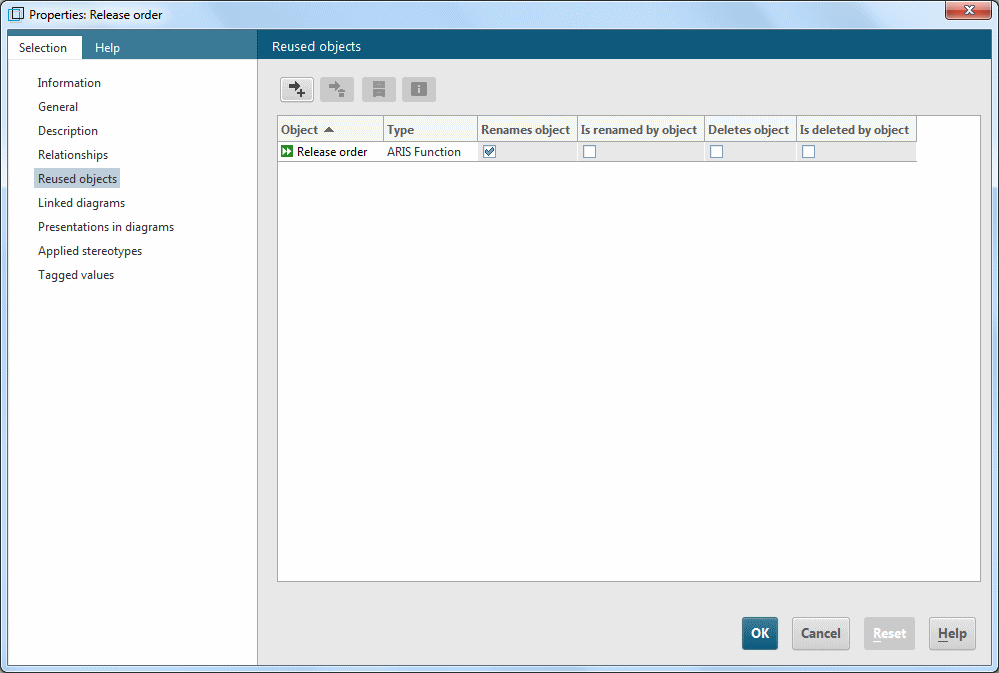
After saving in ARIS UML Designer, this information is also available in ARIS Architect/ARIS Designer.