Specifying the mapping of ARIS to UML types
The mapping of ARIS to UML types is defined in the Link types area of the Administration tab, which has been briefly outlined in Link types. Note that this functionality is only available to you on the Administration tab in ARIS UML Designer, but not in ARIS Architect.
To define a mapping, select Object links under Link types in the Explorer tree on the Administration tab and then click New > Object link definition in the pop-up menu.
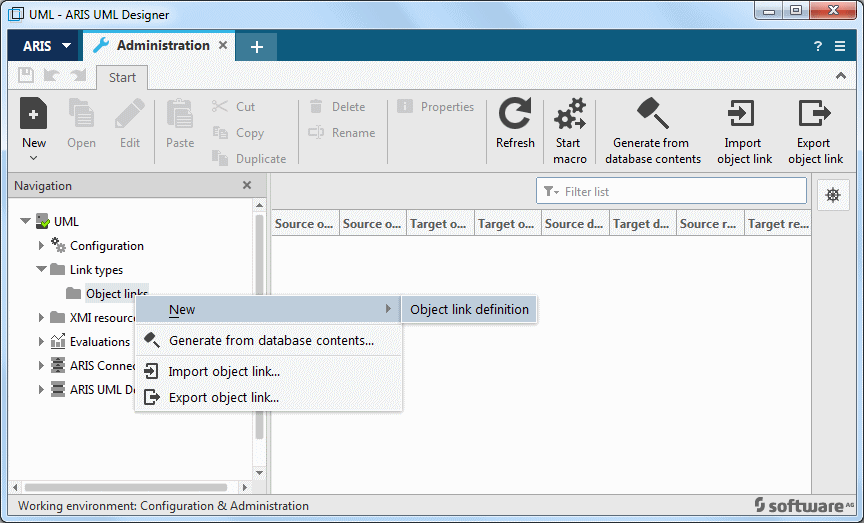
The Create object link dialog opens.
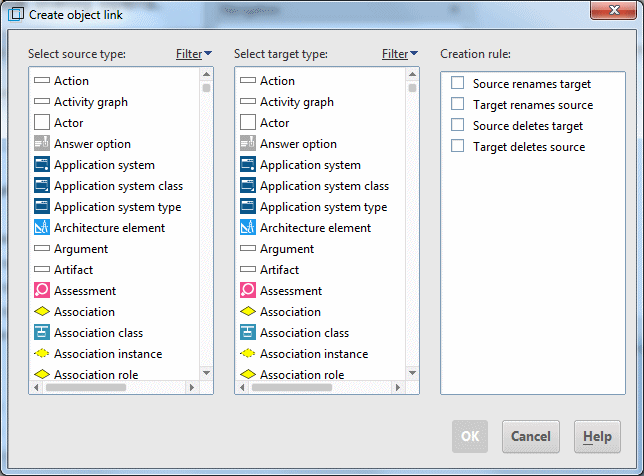
Select an ARIS object type in the Select source type column, and the relevant UML 2 element type in the Select target type column. It is theoretically possible to define mappings between any types, even between classic ARIS object types. However, ARIS Architect only supports mapping of classic ARIS object types to UML 2 element types, which means that you should always select a classic ARIS object type as the source type and a UML 2 element type as the target type.
You also have the option of enabling one or more of the following rules:
Source renames target
This rule means that when the ARIS object is renamed the UML element is also renamed so that it has the same name as the ARIS object.
Target renames source
This rule means that when the UML element is renamed the ARIS object is also renamed so that it has the same name as the UML element.
Source deletes target
This rule means that the UML element is deleted as soon as the underlying ARIS object is deleted.
Target deletes source
This rule means that the ARIS object is deleted as soon as the corresponding UML element is deleted.
Entering the initial letters of the type you are looking for in the input boxes above the object lists filters the object list accordingly.
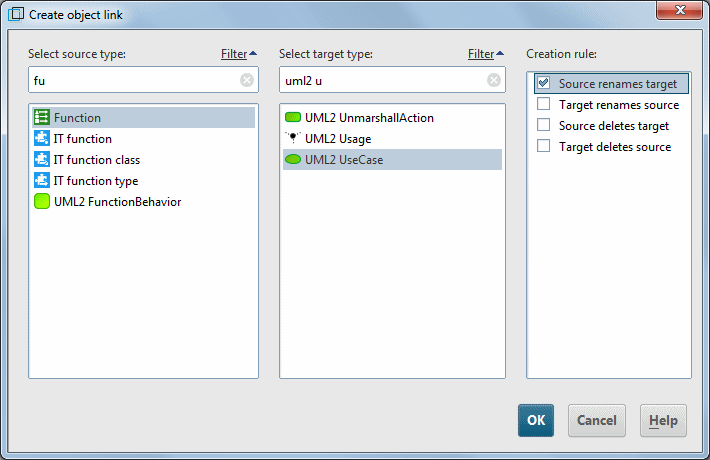
Figure 173 shows the definition of the mapping of the ARIS object type Function to the UML type UseCase with the rule that when the function is renamed the use case is given the same name. Clicking OK creates the definition and it is then displayed in the table.

This mapping enables you to view a function in a business process to be realized by an IT system as a use case for the purpose of object-oriented analysis and to reuse it as a UML element of the UseCase type.
You can use this method to map an ARIS object type to various UML element types, and multiple ARIS object types to a single UML element type.
For example, you could map the Function type not only to UML2 UseCase but also to UML2 Operation, enabling the function to also be reused in UML as an operation for a technical class.
Conversely, it may be useful to map various ARIS types such as Organizational unit, Person, or Application system – that is, all types that are linked to execution or monitoring of a function in some way – to the UML type Actor, so that you can reuse these ARIS objects as actors in UML use case diagrams.
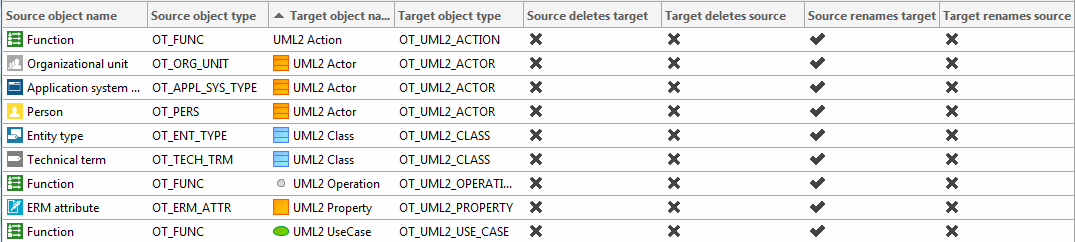
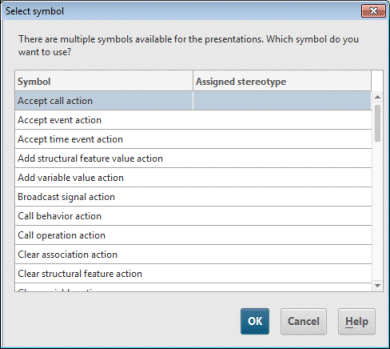
When selecting the target type, you are not restricted to specific UML 2 types, that is, those for which you can also create a directly corresponding UML element. The above example contains an object link definition in which the ARIS type Function is mapped to the abstract UML 2 type Action. In a case like this, when you insert a function in an Activity diagram, you are asked which specific action is to be created.