Creating an assignment in ARIS Architect/Designer
To assign a UML 2 diagram to an ARIS object in ARIS Architect or ARIS Designer, first select the object in the ARIS model and then click
 Create assignment in the Start tab bar.
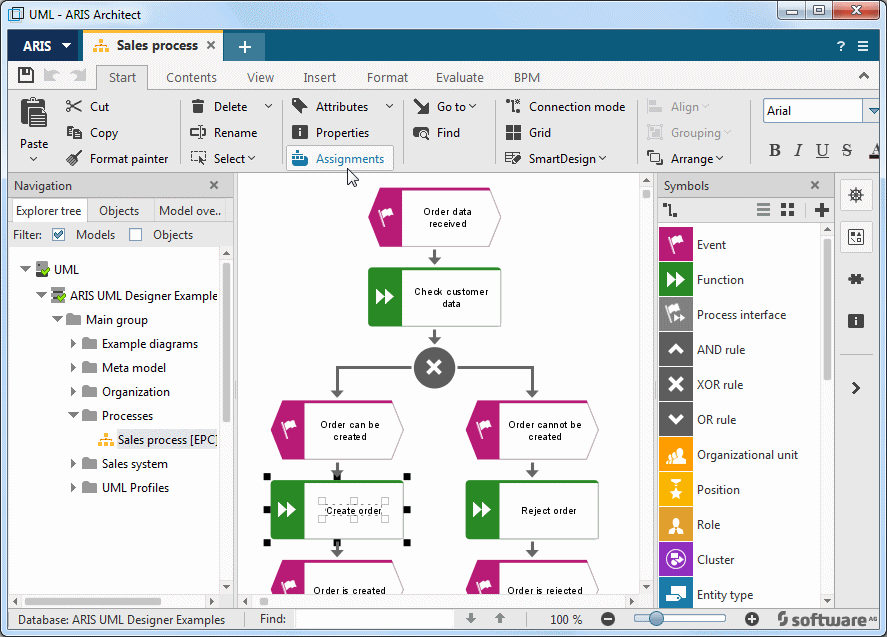
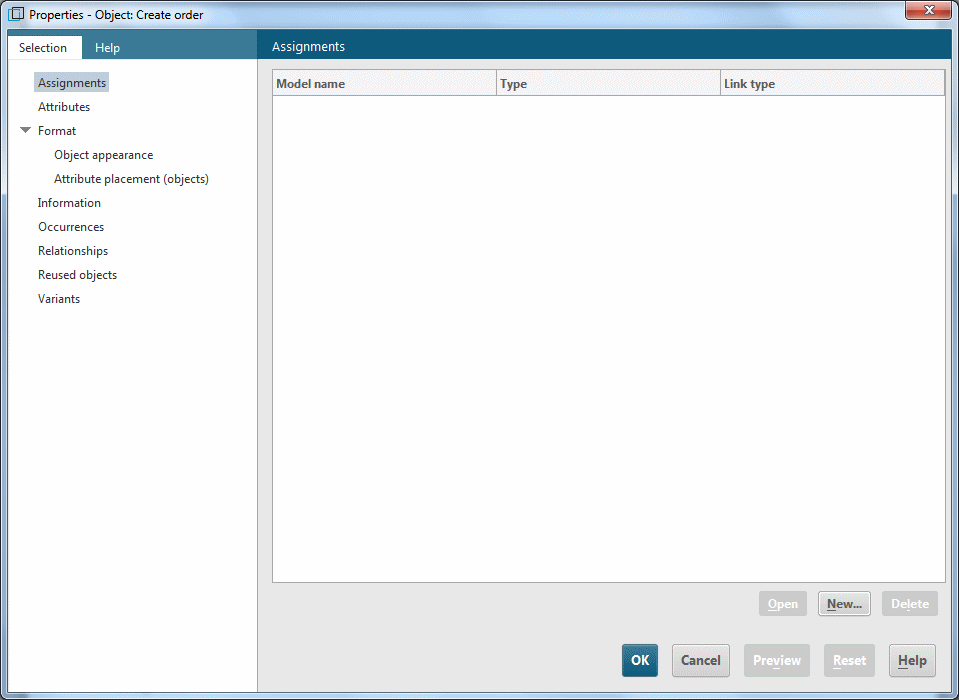
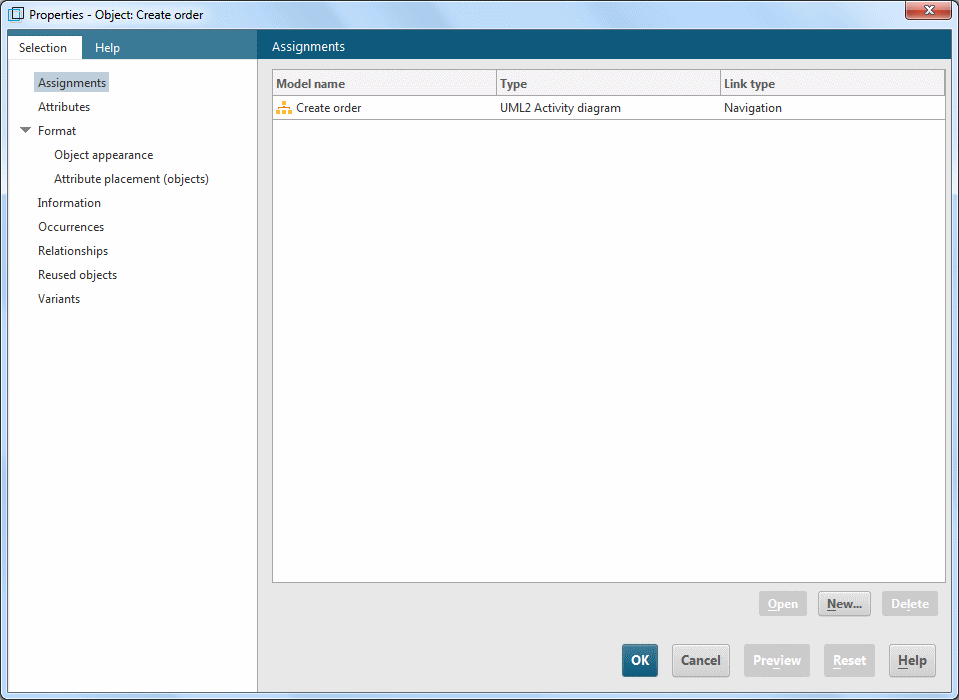
The Assignments properties page opens. Click New to create a new assignment.
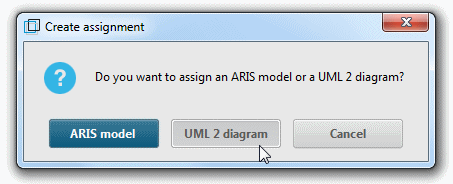
You are asked whether you want to assign an ARIS model or a UML 2 diagram. Click UML -2 diagram.
In the subsequent dialog, you can select a UML diagram to assign.
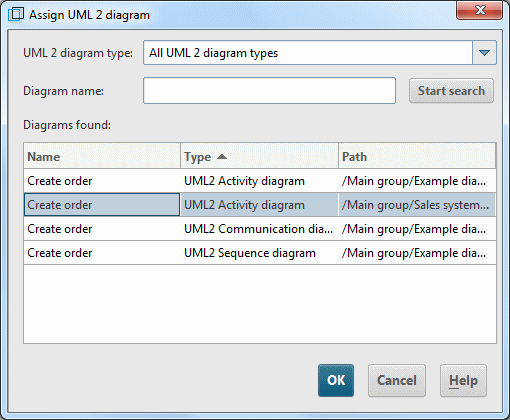
The diagram selected here is added to the table of assigned diagrams (see Figure 169).
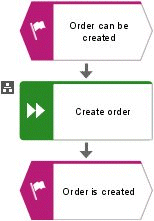
In the ARIS model, an assignment symbol is displayed (see Figure 170).