Creating an assignment in ARIS UML Designer
A diagram is assigned to an ARIS object in ARIS UML Designer in the same way as assigning a diagram to a UML element.
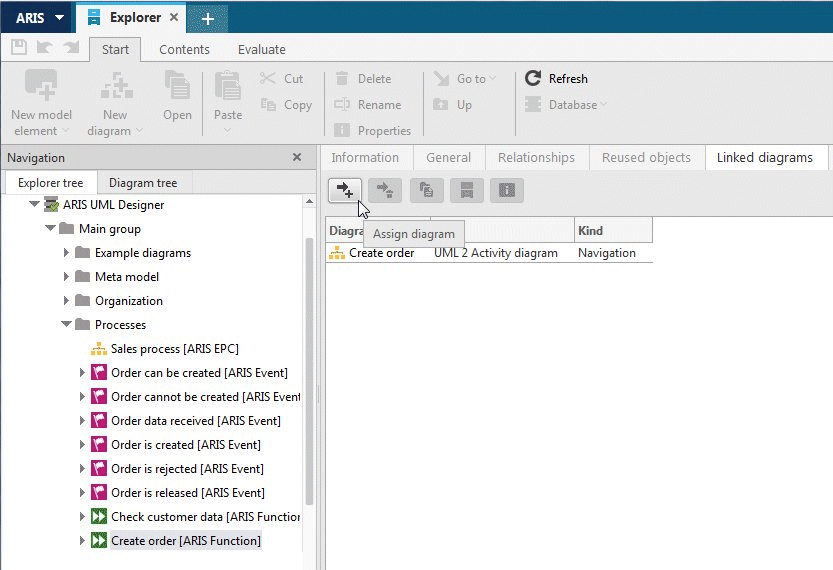
First select the ARIS object in Explorer and then go to the Linked diagrams properties page. If you have not opened the Explorer tab, which displays the property pages on the right-hand side, but you are in the Designer component, first open the Properties dialog for the ARIS object. On the Linked diagrams properties page, click  Assign diagram.
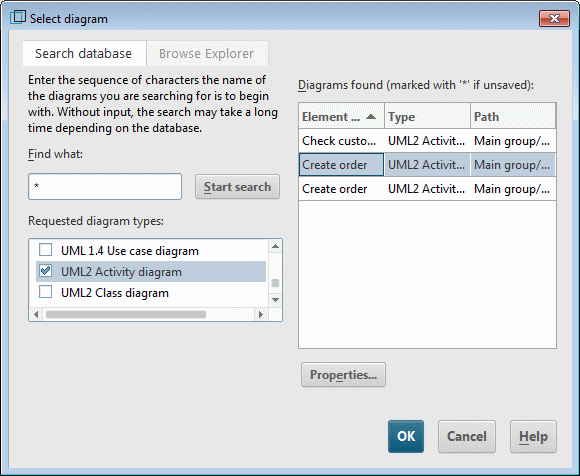
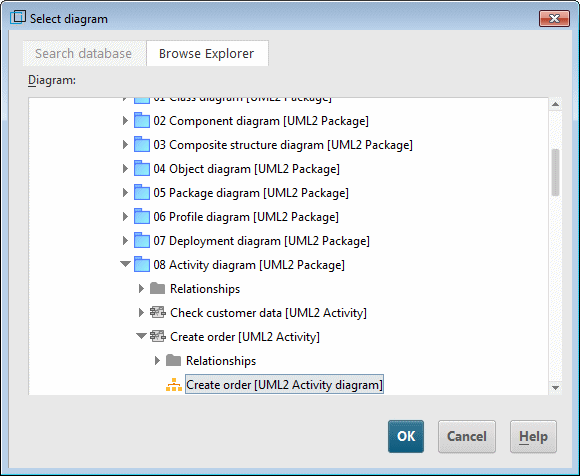
A dialog for selecting the diagram opens. You can assign the diagram either by searching the database, or by selecting it directly in the Explorer tree (see Figure 163 and Figure 164).