Creating new diagrams in Explorer
UML diagrams are always contained in a UML element. It is not possible to create a UML diagram directly within an ARIS group. UML elements of the Package, Model, Profile, or Class type can contain any structure diagrams. This also applies to all elements whose metaclass is derived from Class, e.g., Component or AssociationClass. Behavior diagrams, on the other hand, are always contained in the element represented, that is, state diagrams in state machines, Interaction diagrams in interactions, and activity diagrams in activities. Communication, Sequence, and Timing diagrams are referred to as Interaction diagrams.
New diagrams can be created in the Explorer tree by calling up the New diagram item in the pop-up menu.
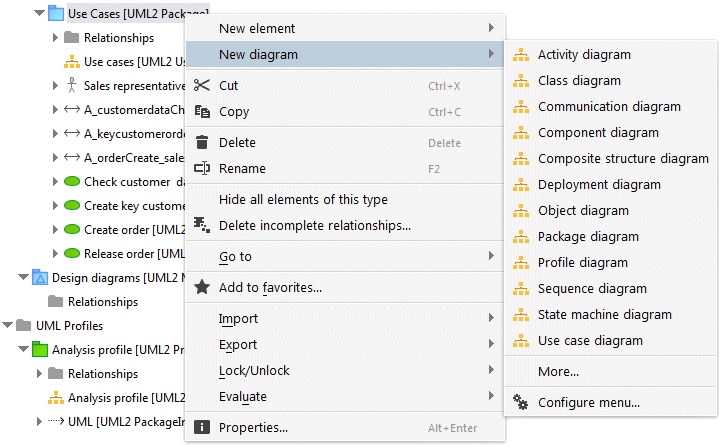
Figure 81 shows the pop-up menu for creating a new diagram in a UML package. The pop-up menu provides the same configuration options as the pop-up menu for creating new elements.