Properties dialogs
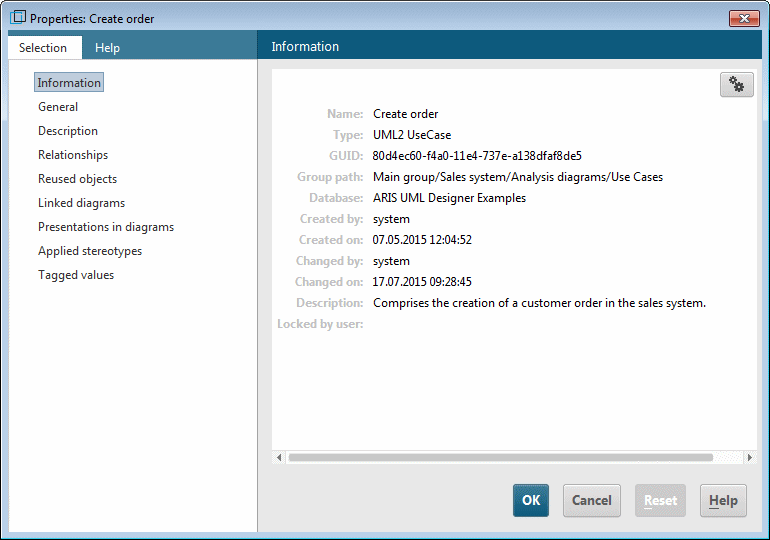
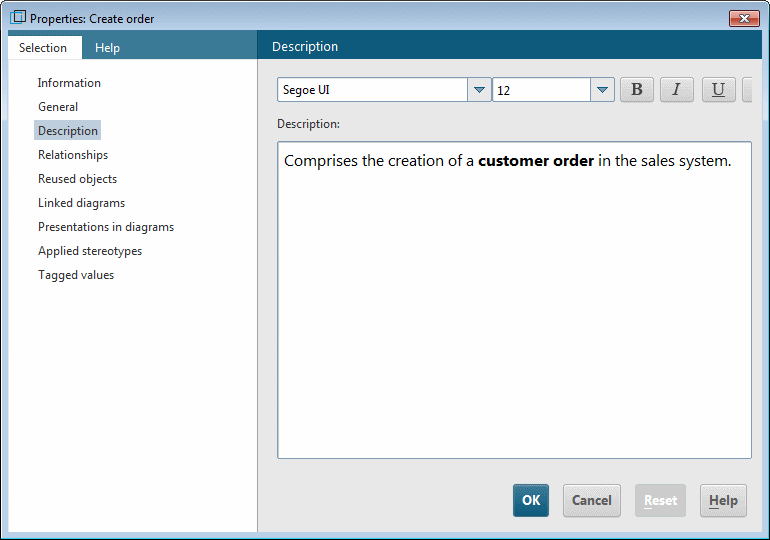
When you open the Properties dialog for an element or diagram, it essentially contains the same properties pages that are displayed on the Explorer tab. In addition, there is a properties page here for editing the description of the element or the diagram (see Figure 69).