Navigation from ARIS UML Designer to ARIS Architect/Designer
In addition to the group hierarchy and the UML content, ARIS UML Designer displays all ARIS models and ARIS objects with their properties in the Explorer. To display and edit the ARIS models, it is necessary to switch to ARIS Architect or ARIS Designer.
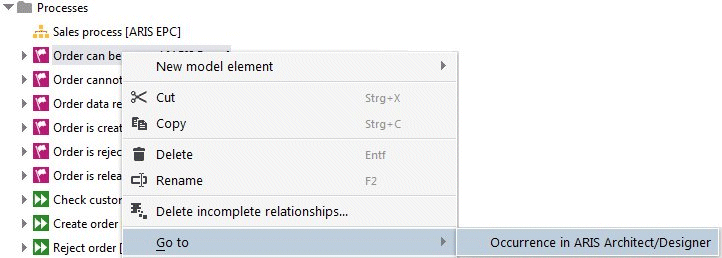
For this purpose, for all groups, ARIS models, ARIS objects, and UML packages, models, and profiles that are directly located in a group, ARIS UML Designer provides you with a pop-up menu item for navigation to ARIS Architect or ARIS Designer.
The same functionality is available for a selected element in the Start tab bar.
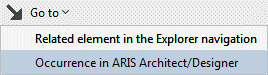
After clicking the menu item, a check is made as to whether an ARIS Architect/ARIS Designer instance with the same server connection is running. If not, it is started. This is followed by a login to the same database in ARIS Architect or ARIS Designer, and the item selected in ARIS UML Designer is selected in the Explorer in ARIS Architect/ARIS Designer.
Just as for UML diagrams, the functionality for opening the diagram is provided in ARIS UML Designer for ARIS models.
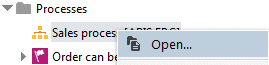
If required, an ARIS Architect/ARIS Designer instance is started and the ARIS model is opened in it.
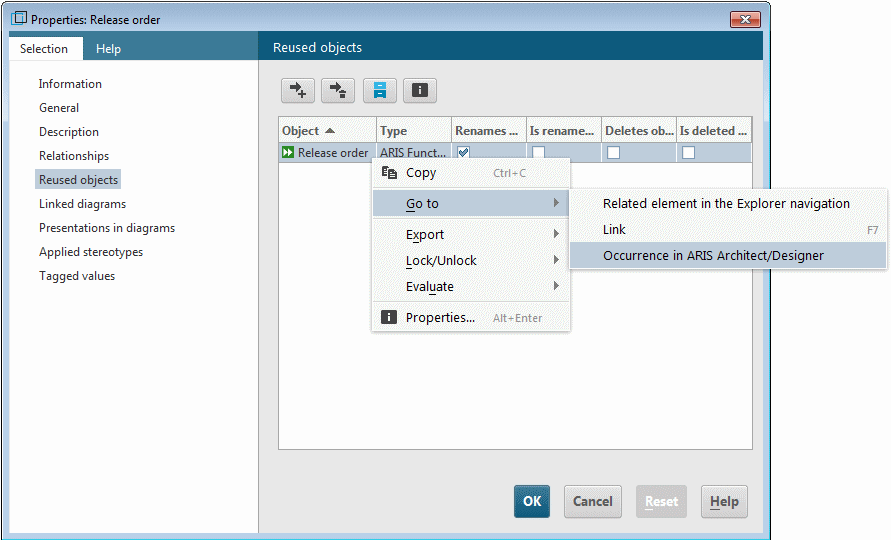
The navigation is available not only in the Explorer but in all UML Designer components that display elements that are also visible in the Explorer in ARIS Architect/ARIS Designer.
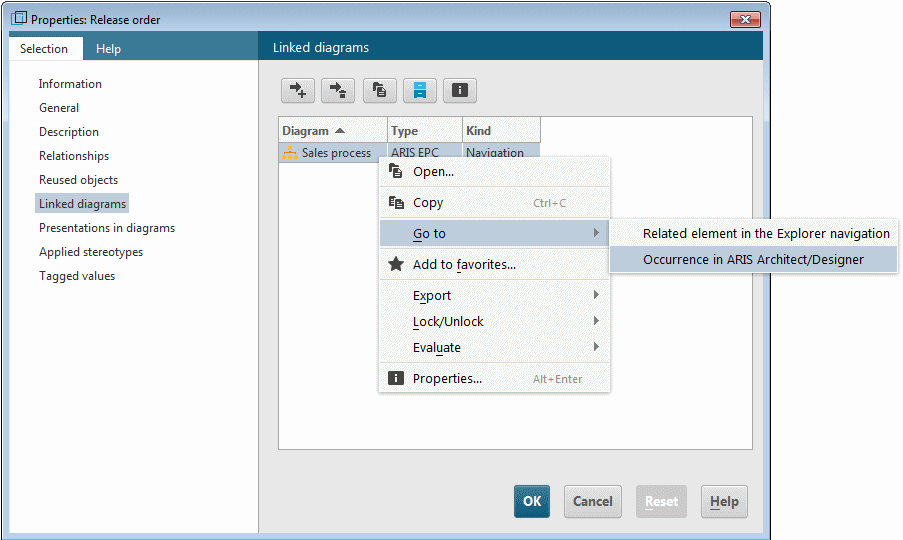
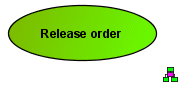
You can also open assigned ARIS models using the Linked diagrams properties page for the UML element or from a diagram by double-clicking the assignment symbol on the presentation of the UML element.