Navigation from ARIS Architect/Designer to ARIS UML Designer
In ARIS Architect/ARIS Designer, you can click the pop-up menu item Go to > Occurrence in UML Explorer for all groups, ARIS objects, ARIS models, and UML elements contained in the Explorer tree. Note that ARIS Architect/ARIS Designer only display the UML packages, models, and profiles that are located directly in an ARIS standard group, but not their content.
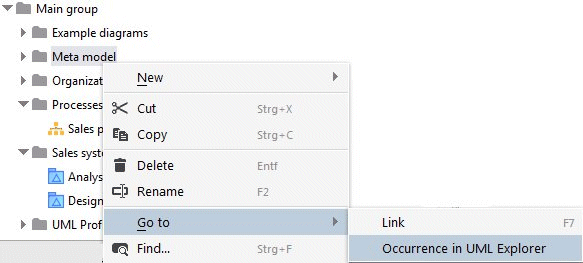
After clicking the pop-up menu item, a check is made as to whether an ARIS UML Designer instance with the same server connection is running. If not, it is started. This is followed by a login to the same database in ARIS UML Designer, and the item selected in ARIS Architect or ARIS Designer is selected in the Explorer in ARIS UML Designer.
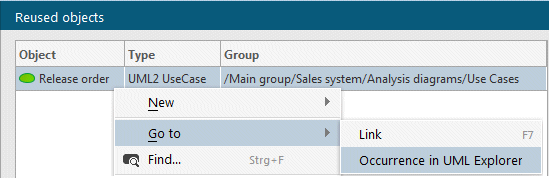
On the Reused objects properties page, it is also possible to click  Occurrence in UML Explorer to navigate to the corresponding UML element in the Explorer in ARIS UML Designer (see Figure 183). This navigation option is also available in the pop-up menu.
You can open assigned UML diagrams in ARIS Architect/ARIS Designer by double-clicking the assignment symbol in the ARIS model. You can also use the Assignments properties page and click the Open entry in the pop-up menu, or the Open button (see Figure 169), to open UML diagrams in ARIS UML Designer.
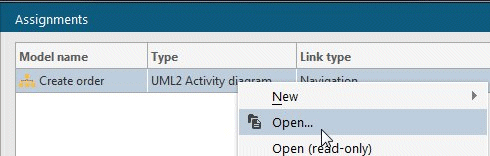
Figure 188: Pop-up menu item in ARIS Architect / ARIS Designer for opening a UML diagram