Designer > For new diagram elements
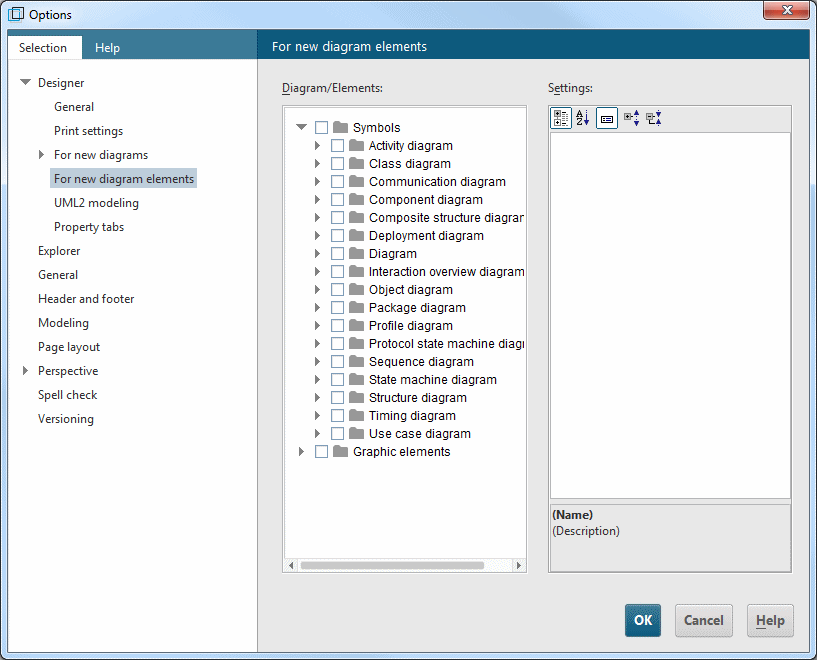
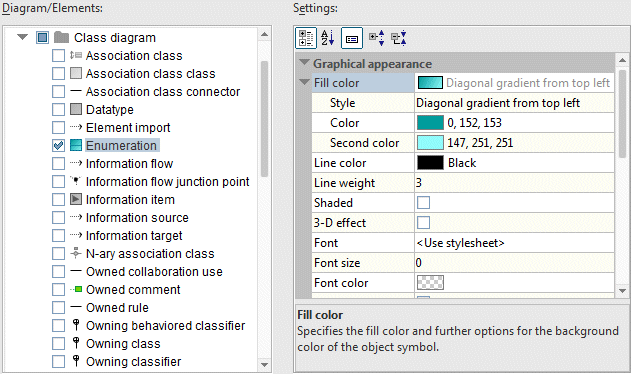
On this options page you can specify the default settings for all UML symbols and graphic elements. The symbols are grouped by diagram types. The options can be individually specified for specific symbols by selecting just one symbol and editing its representation options.
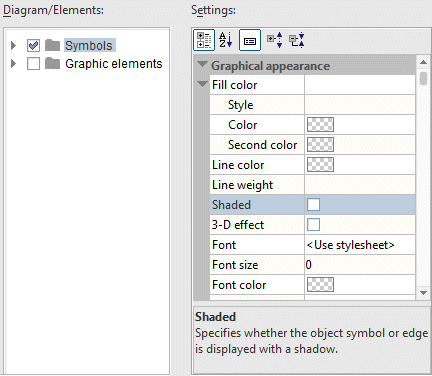
You can also select multiple symbols or entire hierarchy levels. In the example below, the Shaded and 3-D effect properties have been disabled for all UML symbols.
The changes made on this options page only affect new presentation elements you create. Existing elements are not changed.