Designer > General
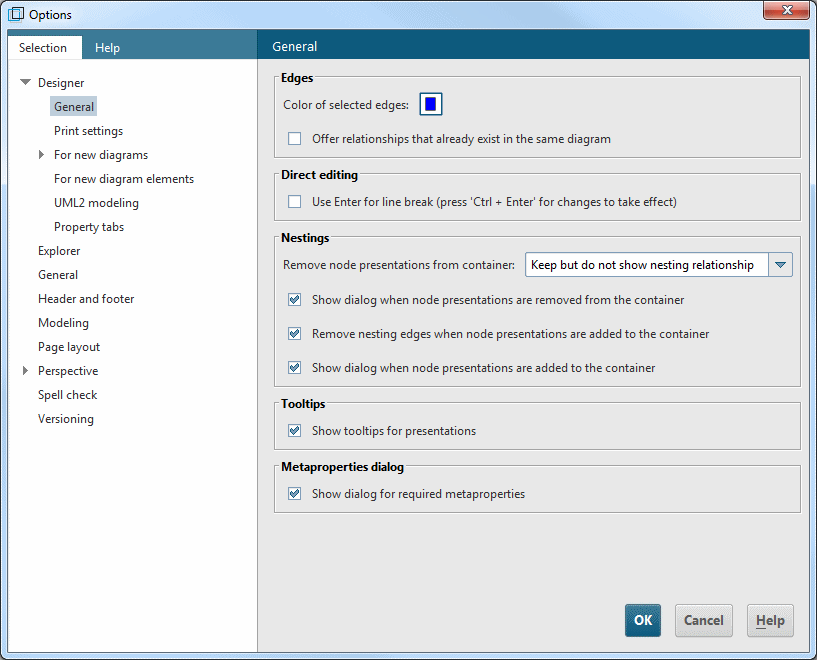
The Selected edges - Color option specifies the color in which edges selected in diagrams are displayed.
Changes in text input boxes are normally applied using the Enter key, and line breaks are entered using Ctrl + Enter. You can reverse this by enabling the Use Enter for line break (press 'Ctrl + Enter' for changes to take effect) check box.
The options for nestings have already been explained in Graphic nestings.
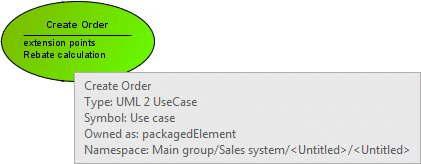
If the Show tooltips for presentations check box is enabled, a tooltip showing information about UML elements in diagrams is displayed at the mouse position.