Modeling in groupings
ARIS UML Designer enables you to edit elements within groupings without having to cancel the grouping to do so.
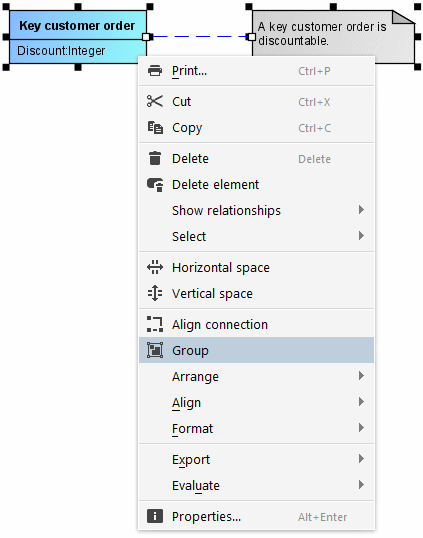
Groupings are created by selecting Group in the pop-up menu.
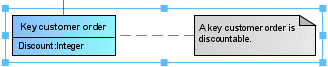
You can move this kind of grouping in the diagram in its entirety without first having to select each element it contains.
However, you can still select individual elements within the grouping to edit their properties. If an element is in a grouping and the grouping is not yet selected, the grouping is selected the first time you click the element. Clicking the element again then selects the element itself, as shown in Figure 130.
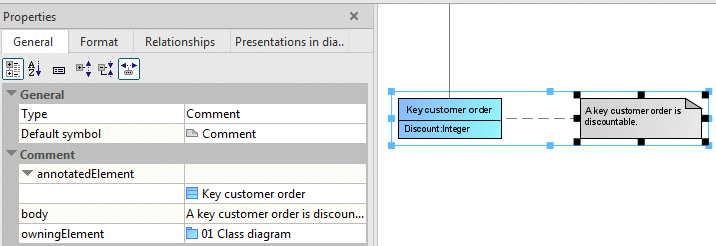
It is also possible to move elements within a grouping.
