Text nestings
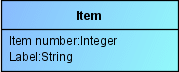
Figure 124 shows the UML notation for a class with two attributes. The special feature of UML compared to the ARIS standard is that here a single presentation represents several elements and their relationships – a class (Item), two attributes (Item number and Description), a data type (String), two relationships of the Class::ownedAttribute type, and two relationships of the TypedElement::type type.
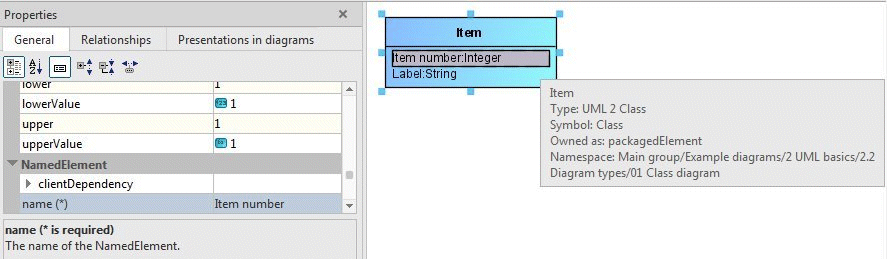
The two attributes are nested in the class presentation using text and, as such, can also be selected individually. The first click on the class selects the class itself (as shown in Figure 124). Clicking again on an attribute within the class selects the attribute. In this case the Properties area no longer shows the properties of the class but those of the attribute.
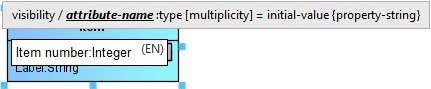
Many of the functionalities that ARIS UML Designer provides for presentations are also available for textually nested elements. For example, you can move or copy them to another element, call up the Properties dialog and, last but not least, edit the text by clicking it a third time or pressing the F2 key.
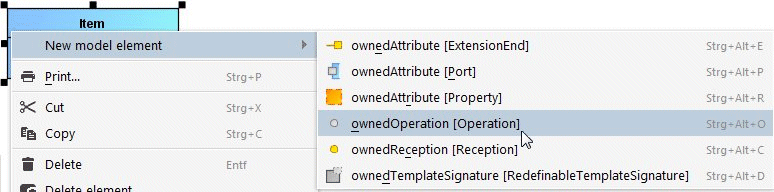
In Designer, you can also create new textually nested elements for an element using the pop-up menu: